

How do I get the mobile app?
Get the app

Kai Sharing in your pocket.
Step 1On your dashboard, find “Take Kai with you”.
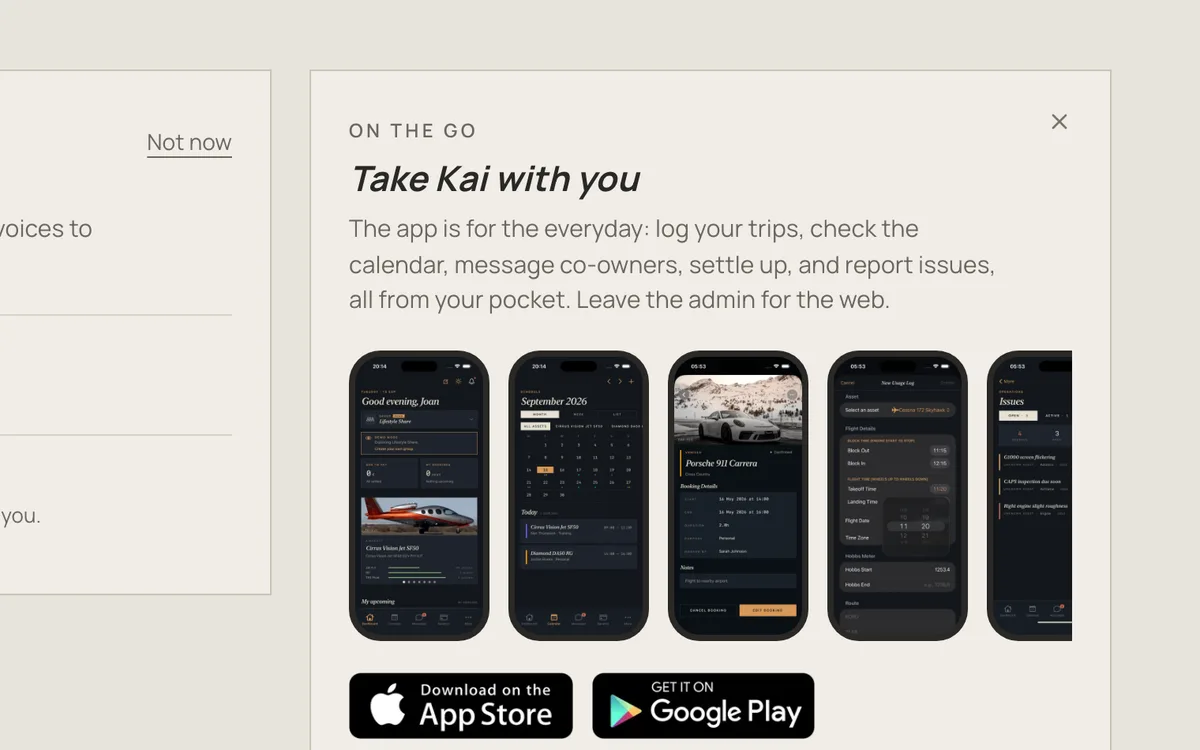
Step 2These are the real app screens: the calendar, a booking, a trip log, a problem report.
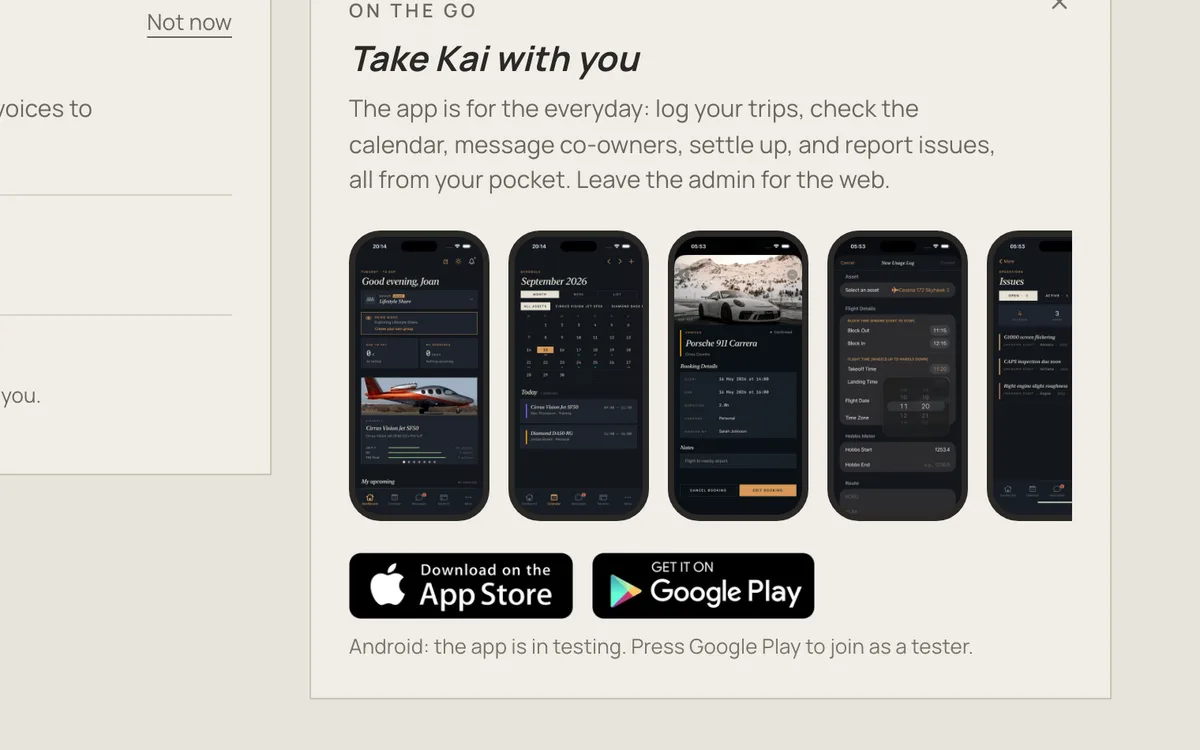
Step 3On an iPhone, press the App Store badge.
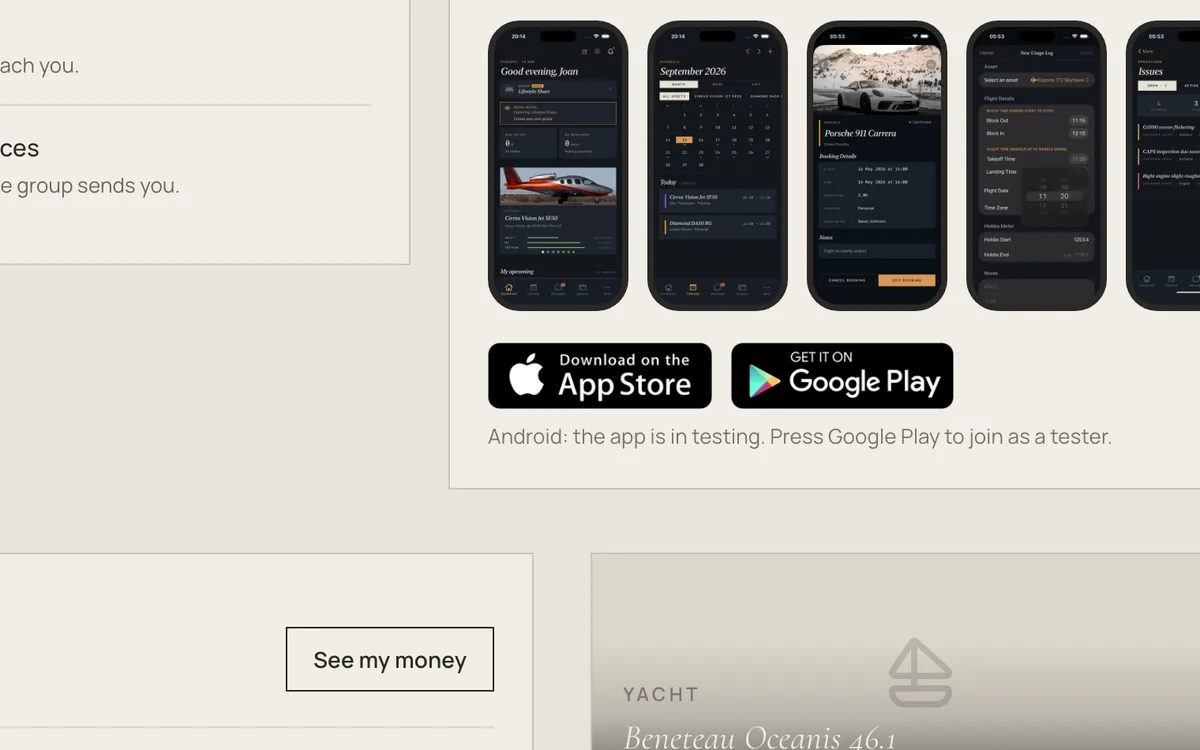

Sign in with the same email. Everything is already there. On Android, press Google Play to join the testers.
Kai Sharing in your pocket.
Step 1On your dashboard, find “Take Kai with you”.
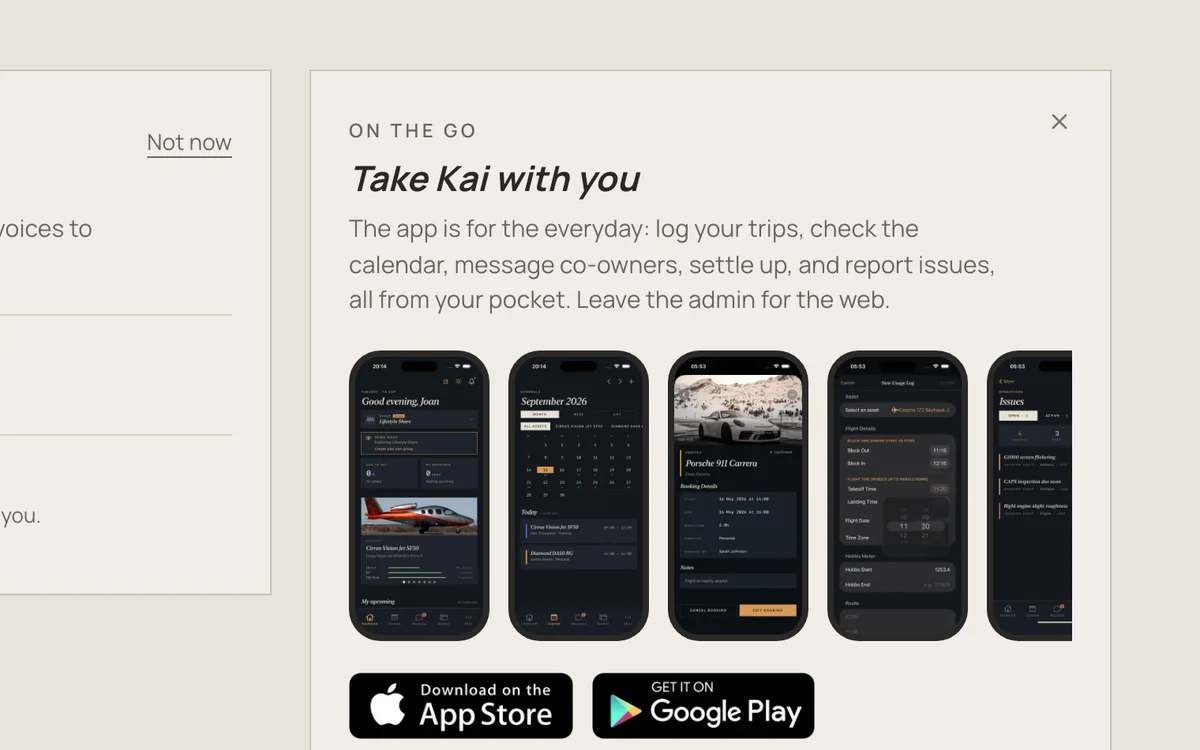
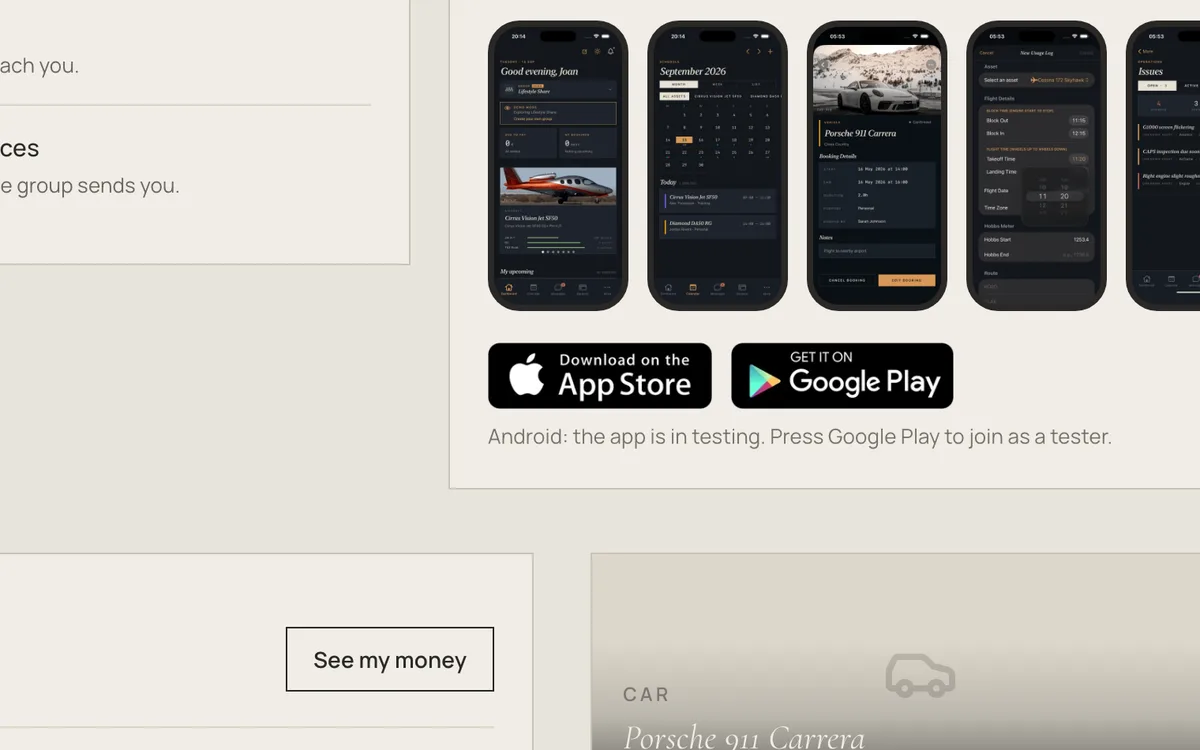
Step 2These are the real app screens: the calendar, a booking, a trip log, a problem report.
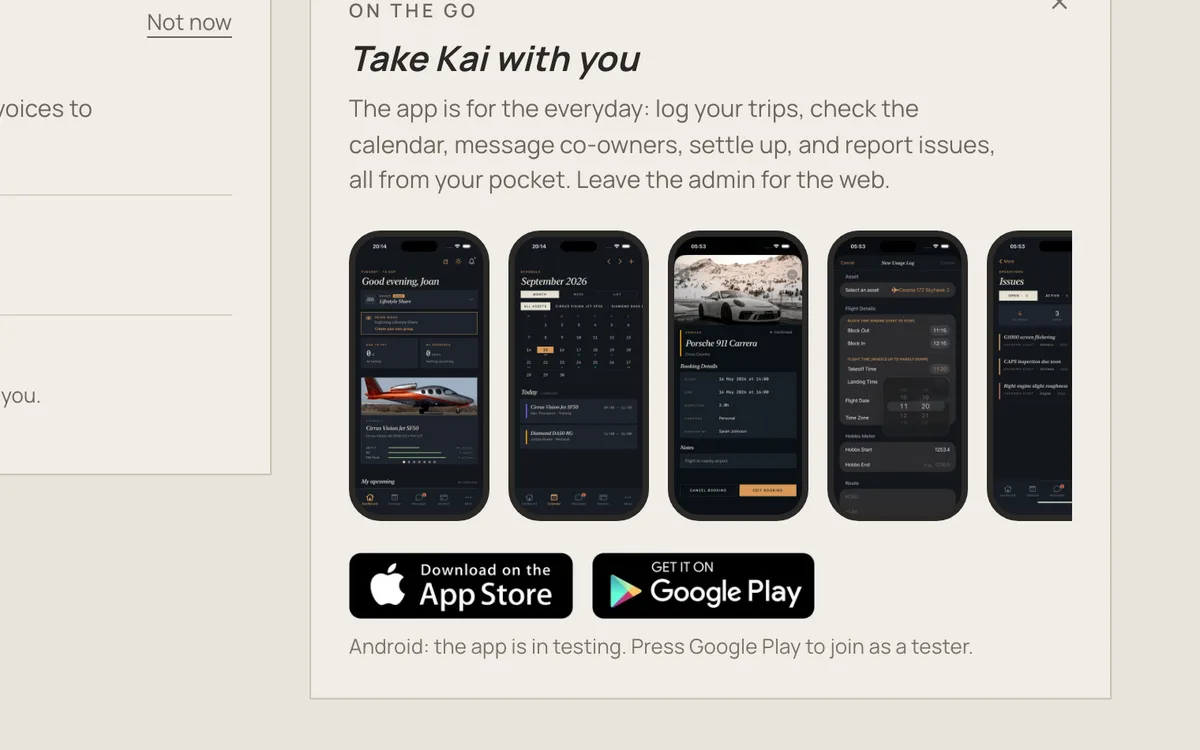
Step 3On an iPhone, press the App Store badge.
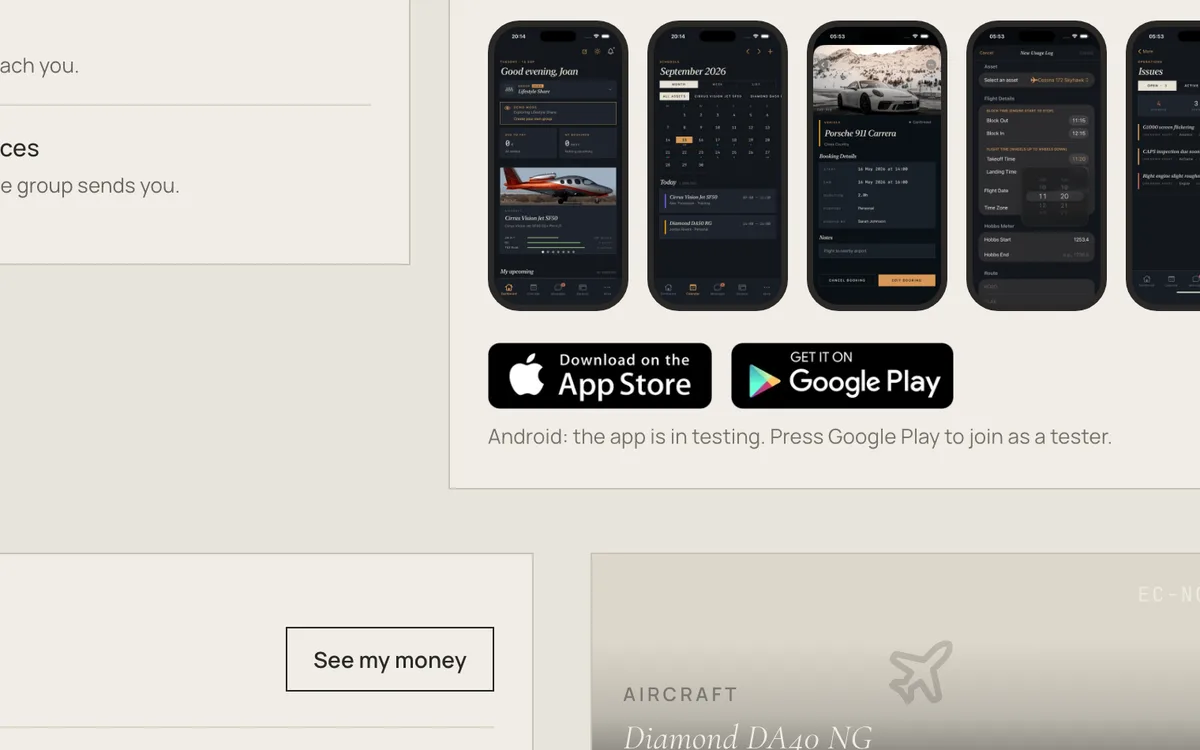
Sign in with the same email. Everything is already there. On Android, press Google Play to join the testers.
Kai Sharing in your pocket.
Step 1On your dashboard, find “Take Kai with you”.
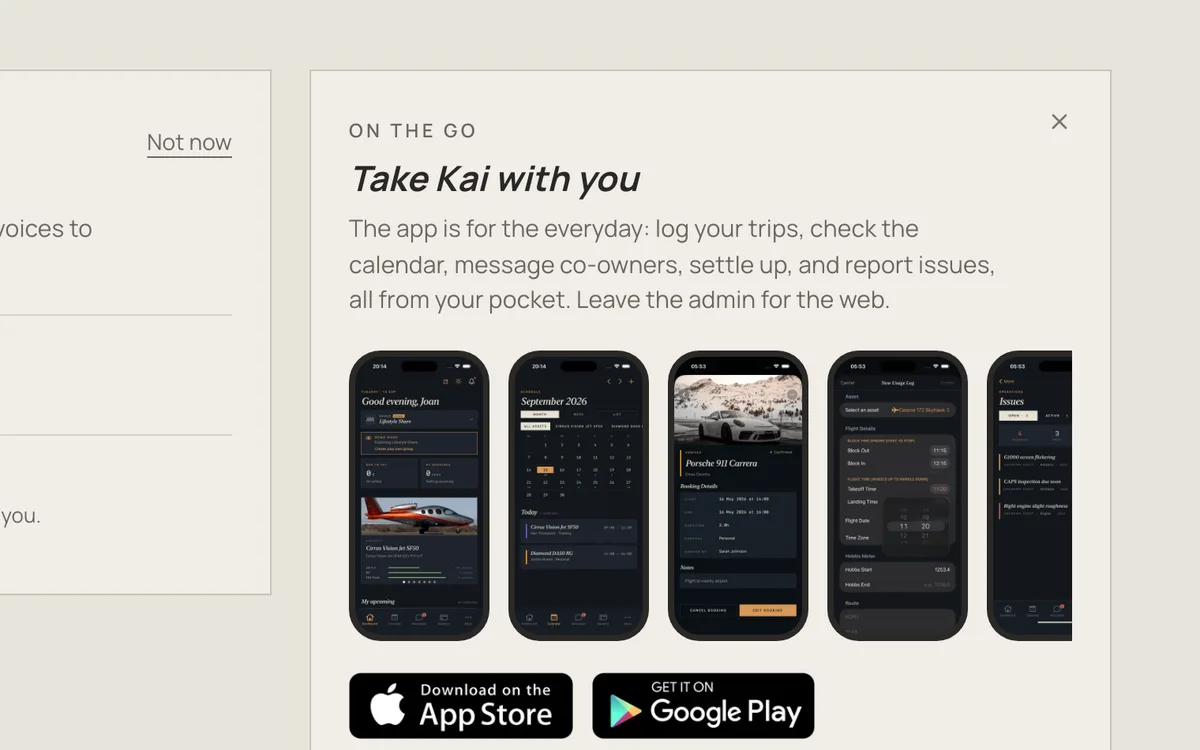
Step 2These are the real app screens: the calendar, a booking, a trip log, a problem report.
Step 3On an iPhone, press the App Store badge.
Sign in with the same email. Everything is already there. On Android, press Google Play to join the testers.
Kai Sharing in your pocket.
Step 1On your dashboard, find “Take Kai with you”.
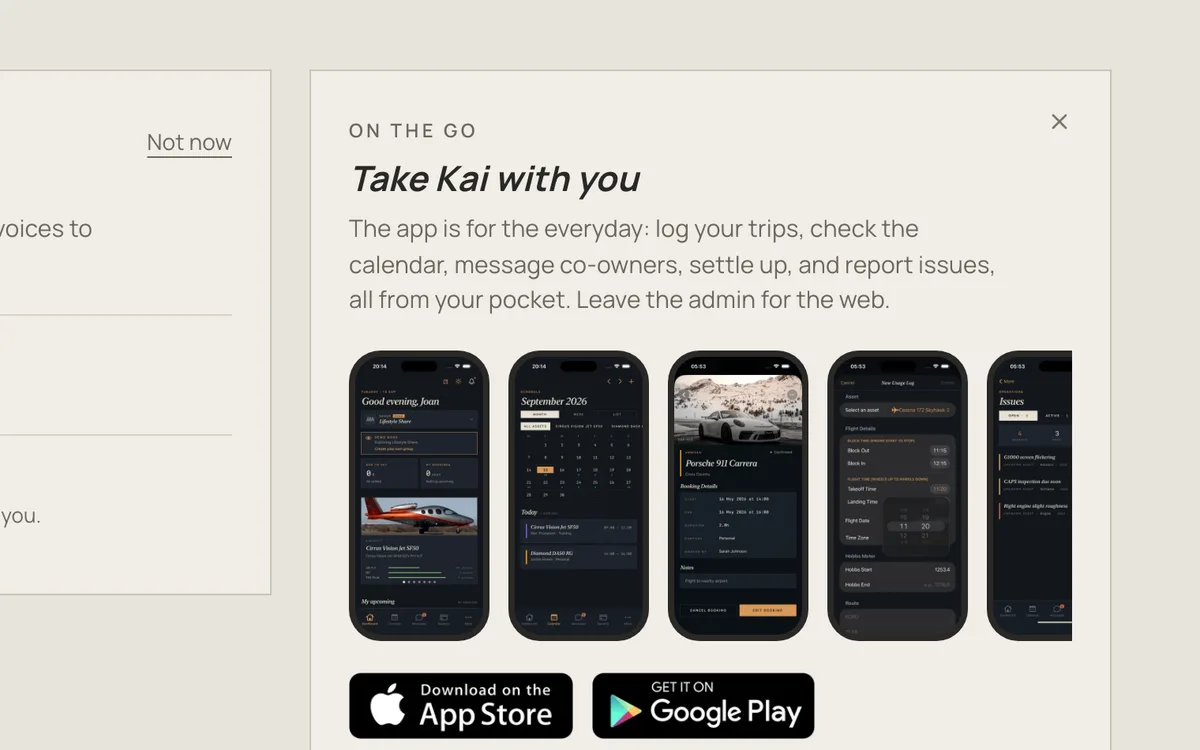
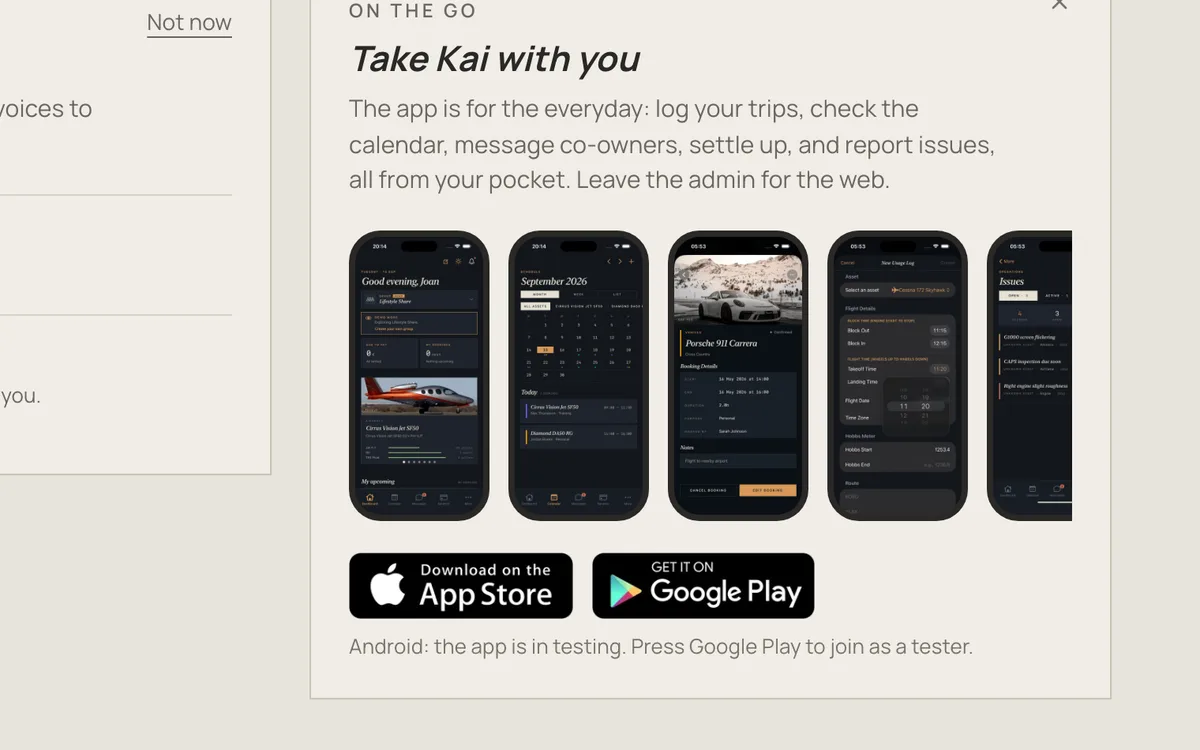
Step 2These are the real app screens: the calendar, a booking, a trip log, a problem report.
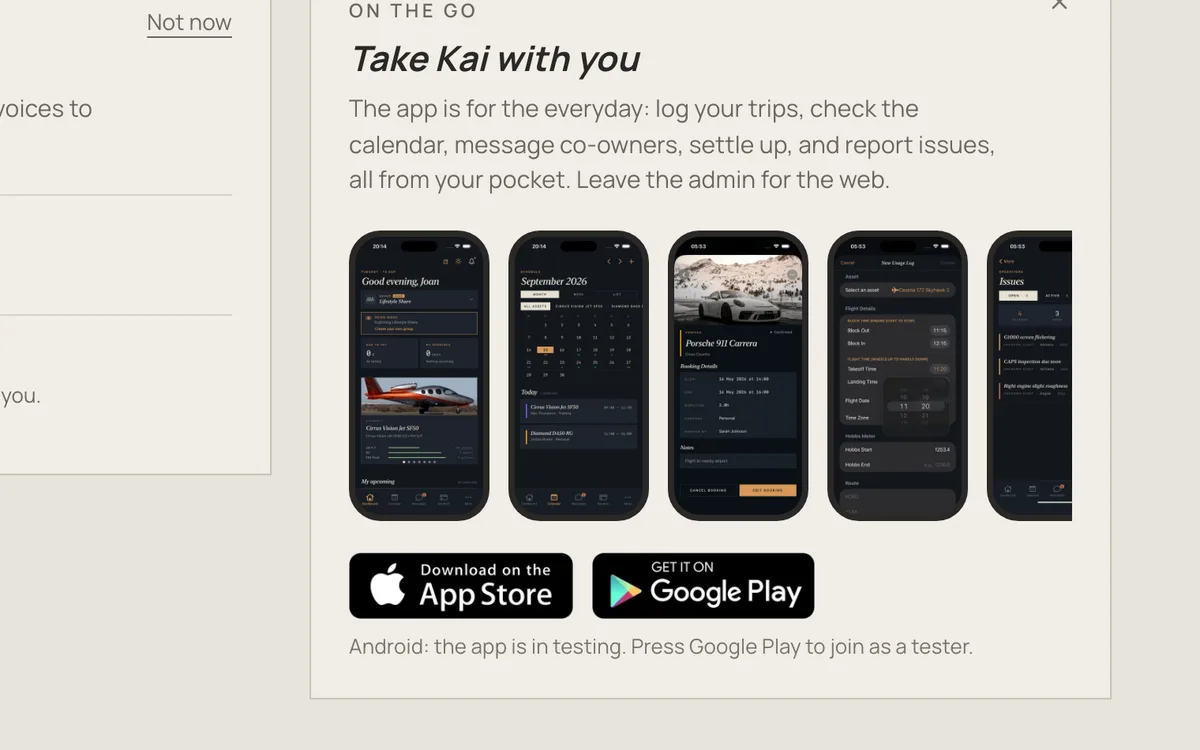
Step 3On an iPhone, press the App Store badge.
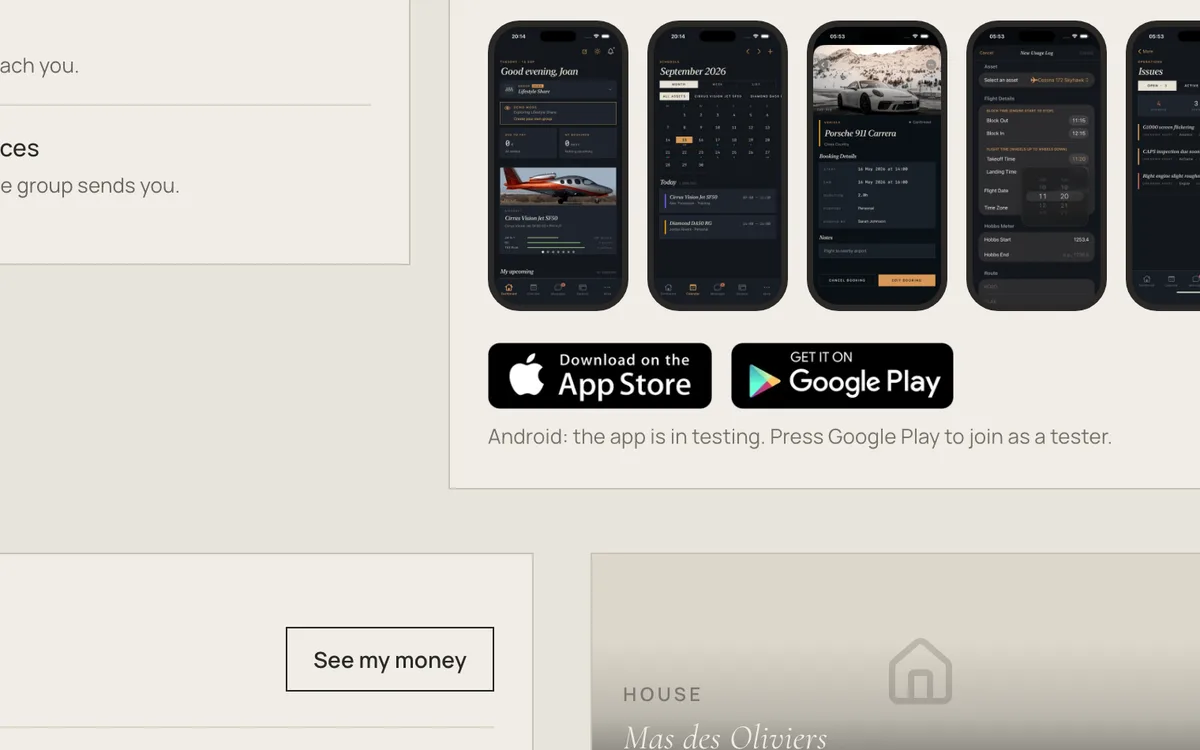
Sign in with the same email. Everything is already there. On Android, press Google Play to join the testers.
Kai Sharing has an iPhone app for the everyday: book, check the calendar, log your trips, settle up and report problems.
Get it
- Open the App Store on your iPhone and search for Kai Sharing, or press the App Store badge on your dashboard or on the Mobile app page
- Install it
- Sign in with the same email and password you use on the web
Your groups, bookings and balance are already there.
Android
The Android app isn't public yet: it's in testing. Press the Google Play badge, or contact us, and we'll add you as a tester.
Web or app?
Use the app for the everyday and the web for admin: settings, billing rules and invoices.