

You already logged the flight. Logging it twice is the annoying part.
Export the track from SkyDemon, ForeFlight or Garmin Pilot, hand the file to Kai, and the usage log opens pre-filled: block out, takeoff, landing, block in, and both airports.
Three steps, and one of them is flying.
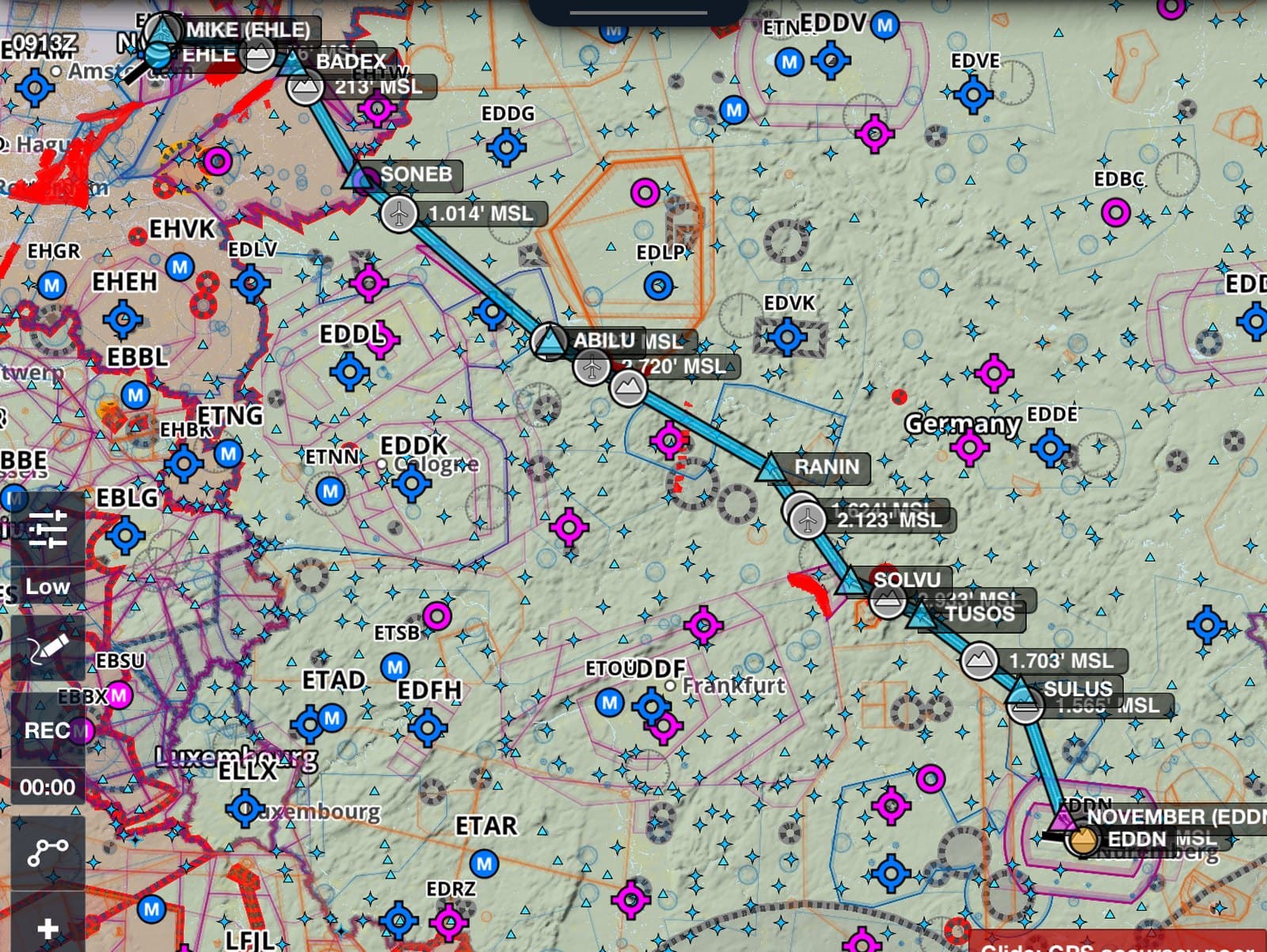
Fly the leg
Your EFB is already recording the track. Nothing extra to switch on, nothing to remember at the hold.
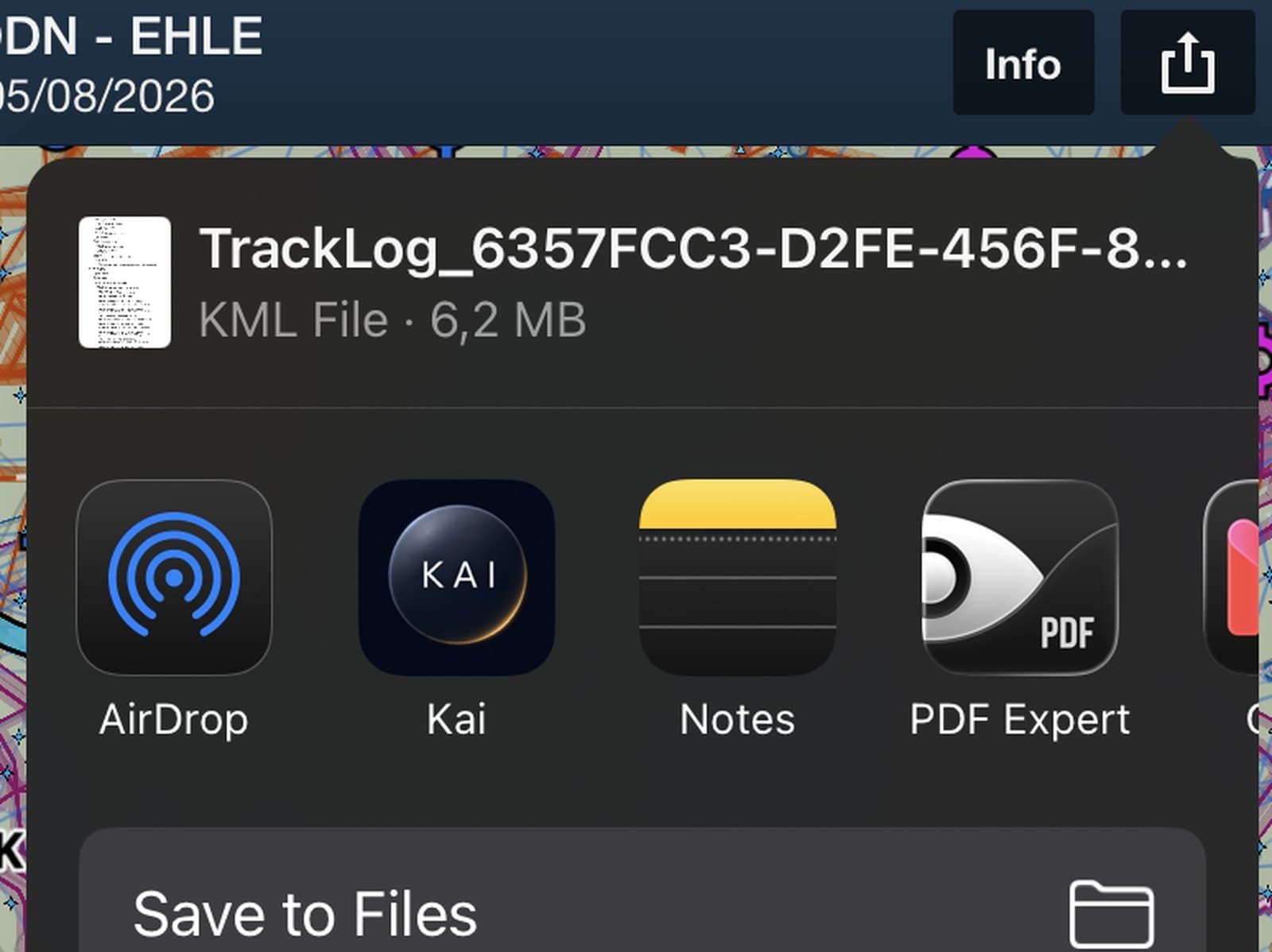
Export the track
SkyDemon and ForeFlight export .kml. Garmin Pilot and ForeFlight export .gpx. Both work. On iPhone you can send the file straight to Kai from the share sheet.
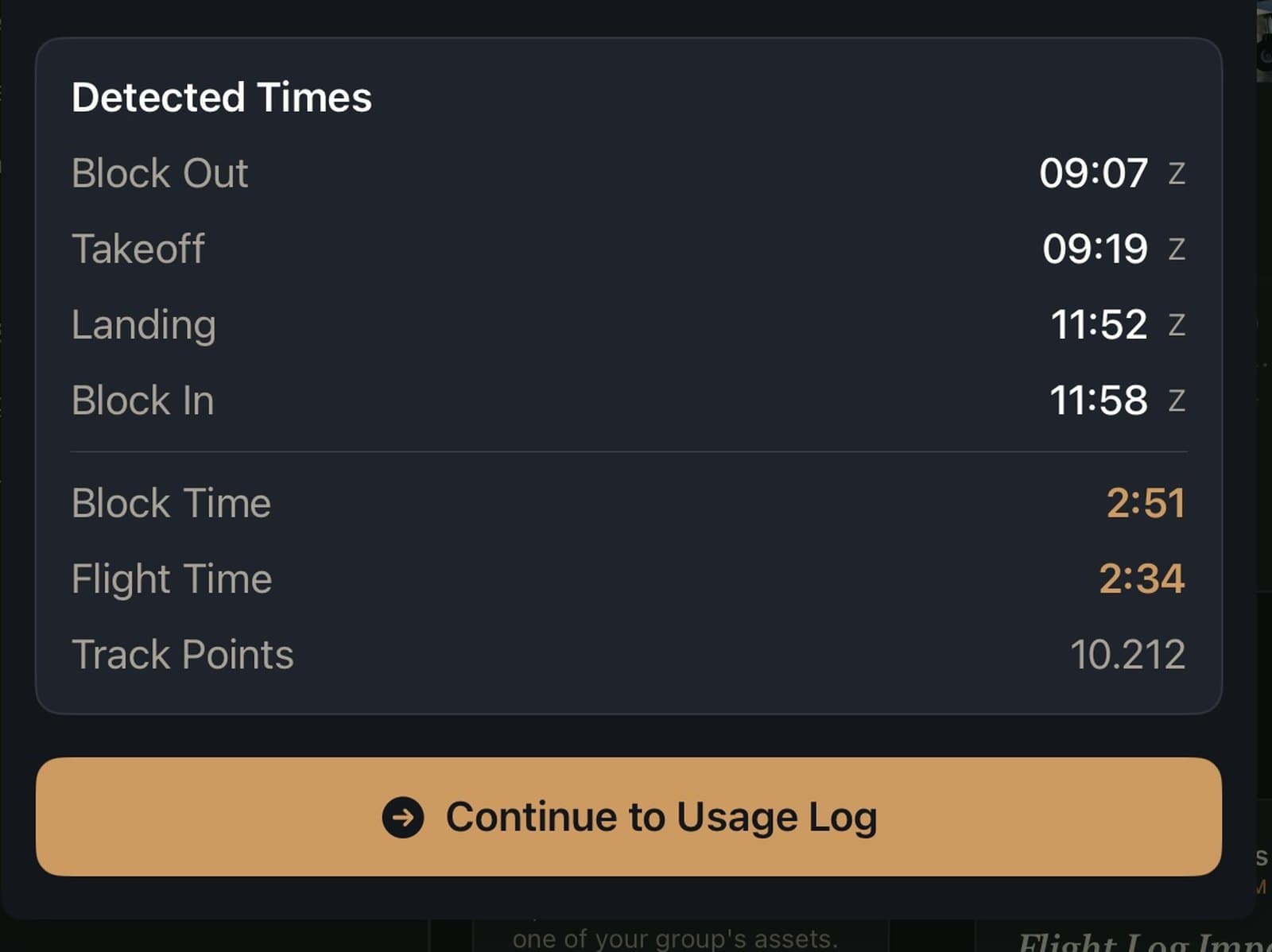
Confirm and save
Kai reads the track and opens a usage log with the times and airports already in place. You check them, add your meter readings, and save.
The app you already fly with.
| App | File | Notes |
|---|---|---|
| SkyDemon | .kml | Export the flight from your logbook and share the KML. |
| ForeFlight | .kml or .gpx | Track Logs exports either format. Both carry the timestamps Kai needs. |
| Garmin Pilot | .gpx | Export the track log from the flight in your logbook. |
| Any other app | .kml or .gpx | If the file holds a timestamped track, Kai reads it. The source shows as unknown, everything else works the same. |



Files up to 10 MB. On phones and tablets the extra sensor data in a long track is trimmed before upload, so a three hour flight is no trouble.
Then it stops being a log.
A saved usage log is not a diary entry. It is the input to everything your group settles at the end of the month.
The invoice
If your group bills by the hour, those hours feed straight into the member's next invoice at your agreed rate.
The next inspection
Meter based maintenance intervals count down from your readings, so the 50 hour check announces itself.
The Flights Map
Every route joins the group's map of where the aircraft has actually been.
Share sheet to saved log, before you reach the clubhouse.
On iPhone and iPad, Kai registers as a destination for .kml and .gpx files. Tap share in ForeFlight or Garmin Pilot, pick Kai, and the import opens. On Android, choose the file from the import screen in the app.
The details, straight.
- Which files can I upload?
- .kml and .gpx, up to 10 MB. Anything holding a timestamped track will parse, whichever app produced it.
- Does Garmin Pilot work?
- Yes. Garmin Pilot exports .gpx track logs, and Kai reads them the same way it reads a SkyDemon KML.
- Does it fill in my Hobbs reading?
- No. A GPS track has no way to know what the meter says. Times, hours and airports are imported. Meter readings stay yours to enter.
- How does it work out the airports?
- It matches the first and last coordinates of the track against an airport database and takes the nearest one. For a strip that is not in the database, or two fields close together, check the code before you save.
Import a flight and see.
The demo group comes loaded with a shared aircraft, its members and its books. Bring a track file and watch a log fill itself in.