

How does charter work?
Charter a co-owned boat

The owners aren't sailing every week. Charter the free time, and the income lowers their costs.
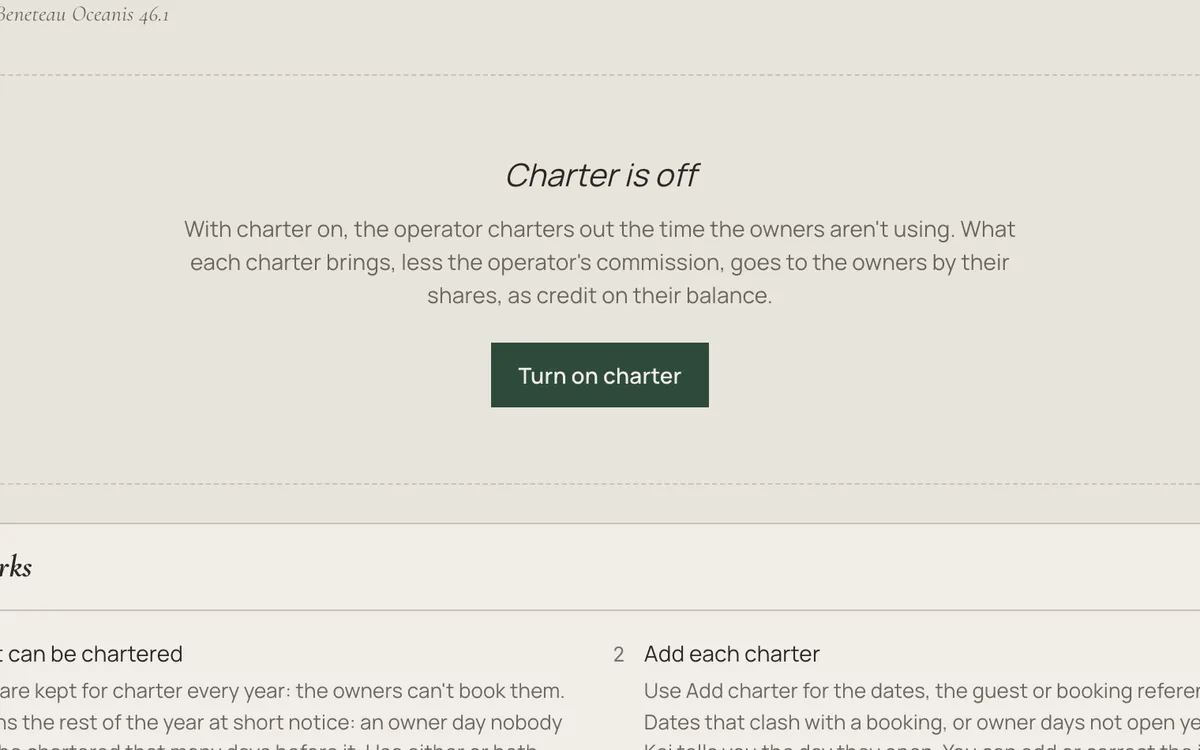
Step 1Open Charter and press “Turn on charter”.
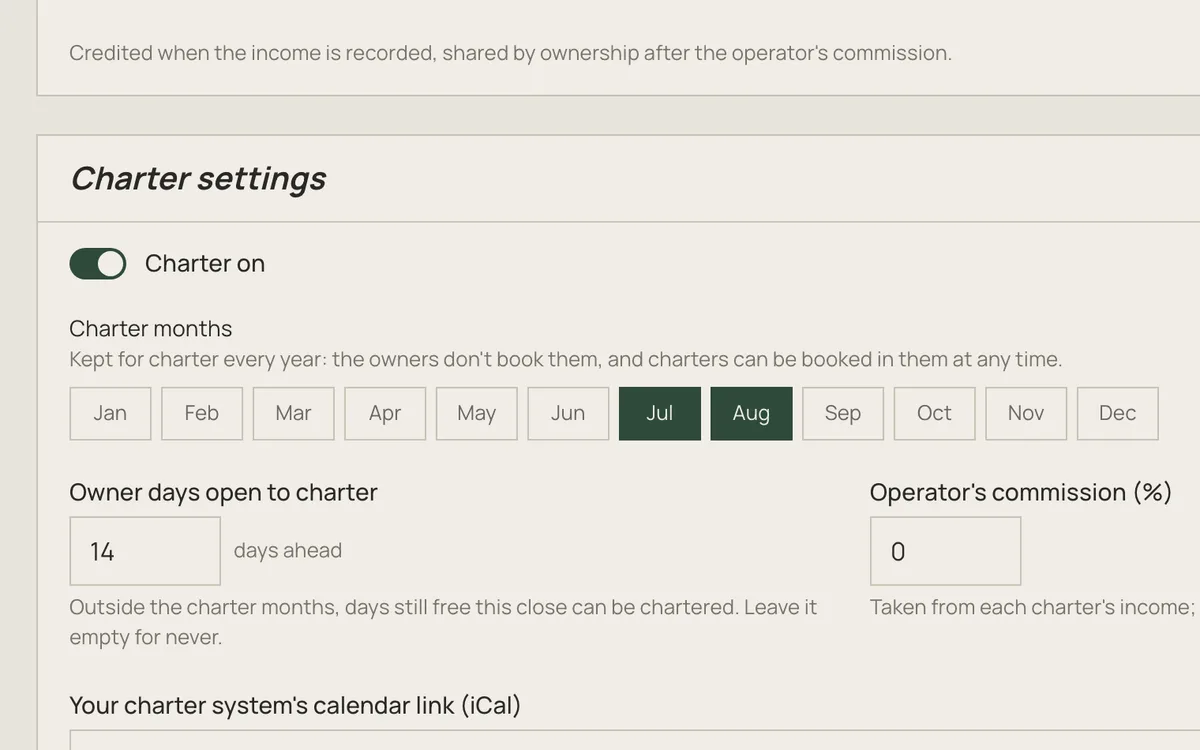
Step 2Pick the months kept for charter every year. The owners don't book them.
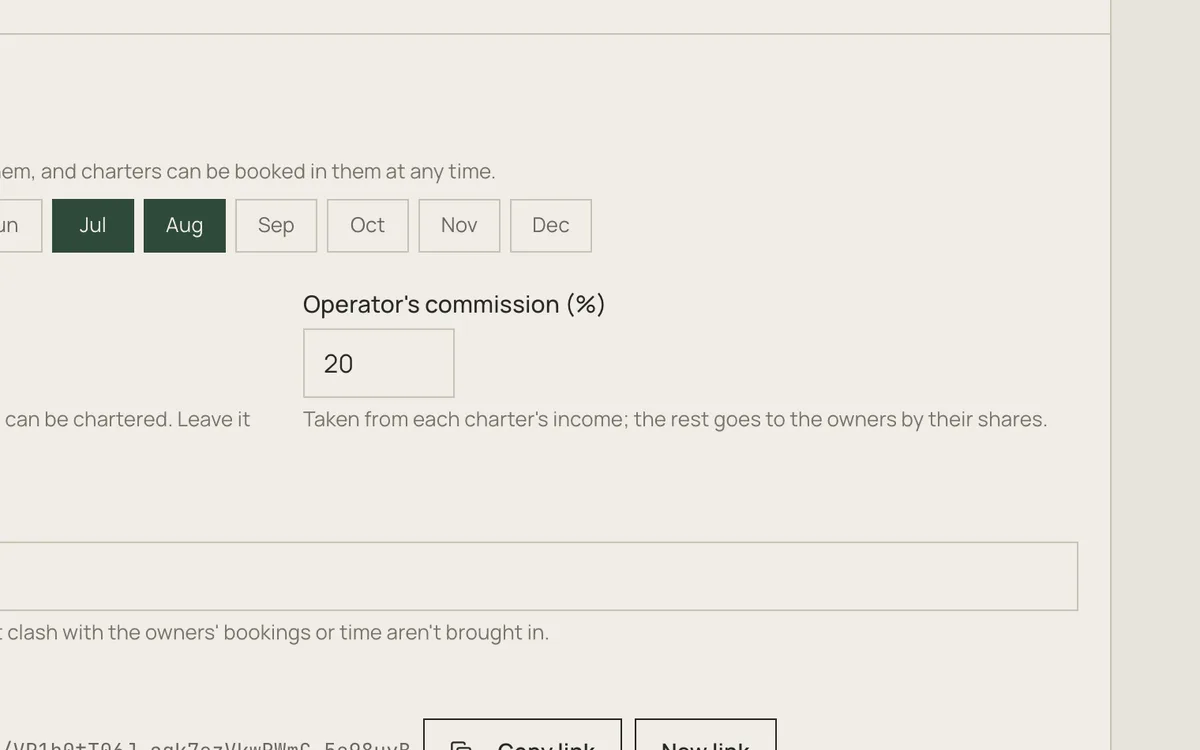
Step 3Set your commission. The rest goes to the owners by their shares.
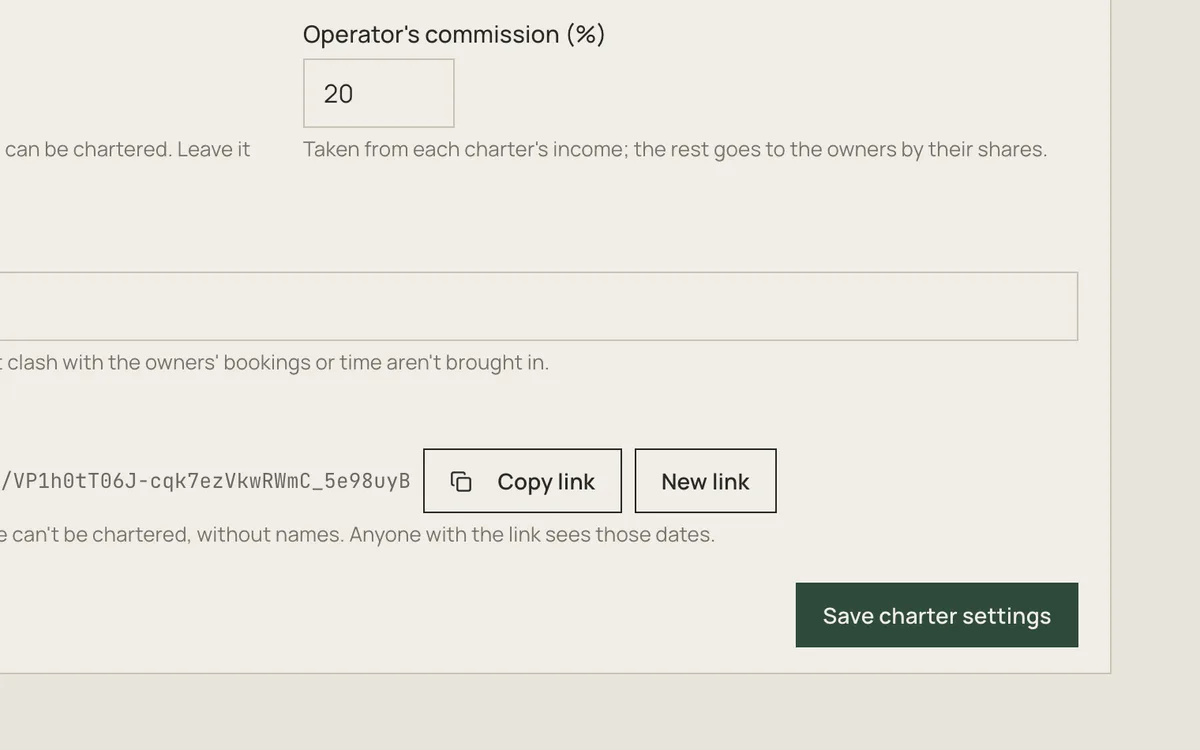
Step 4Press “Save charter settings”.
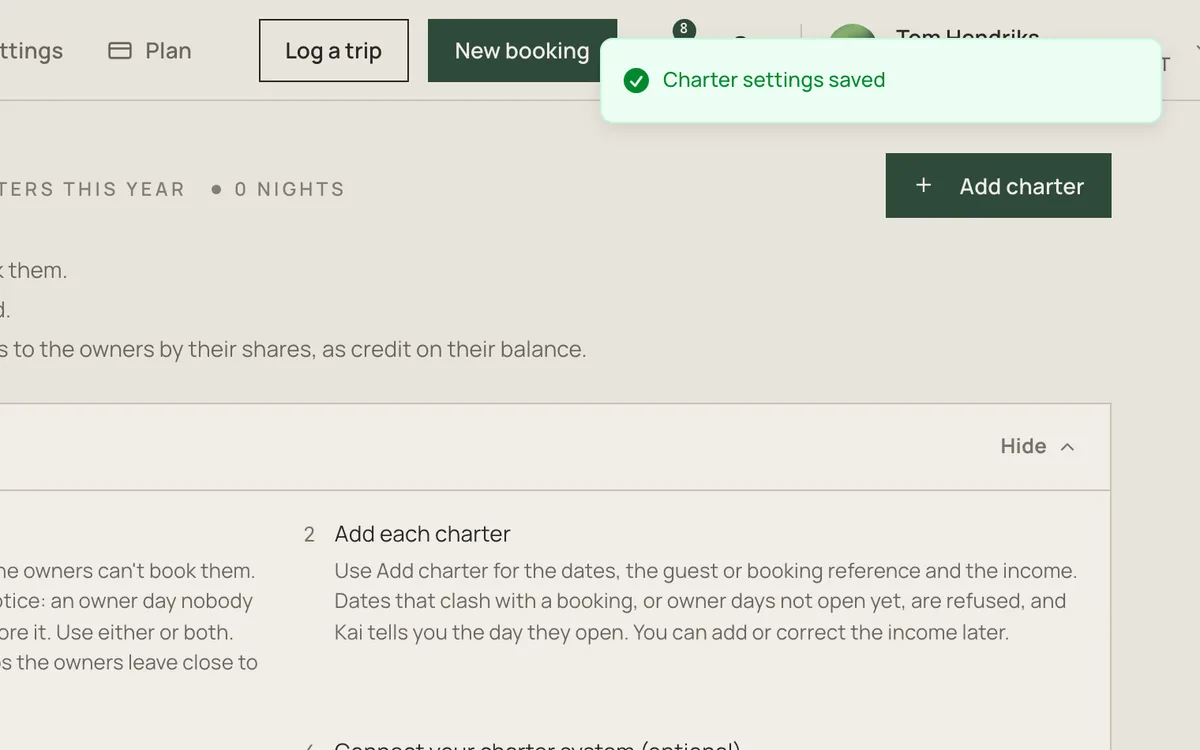
Step 5When a charter comes in, press “Add charter”.
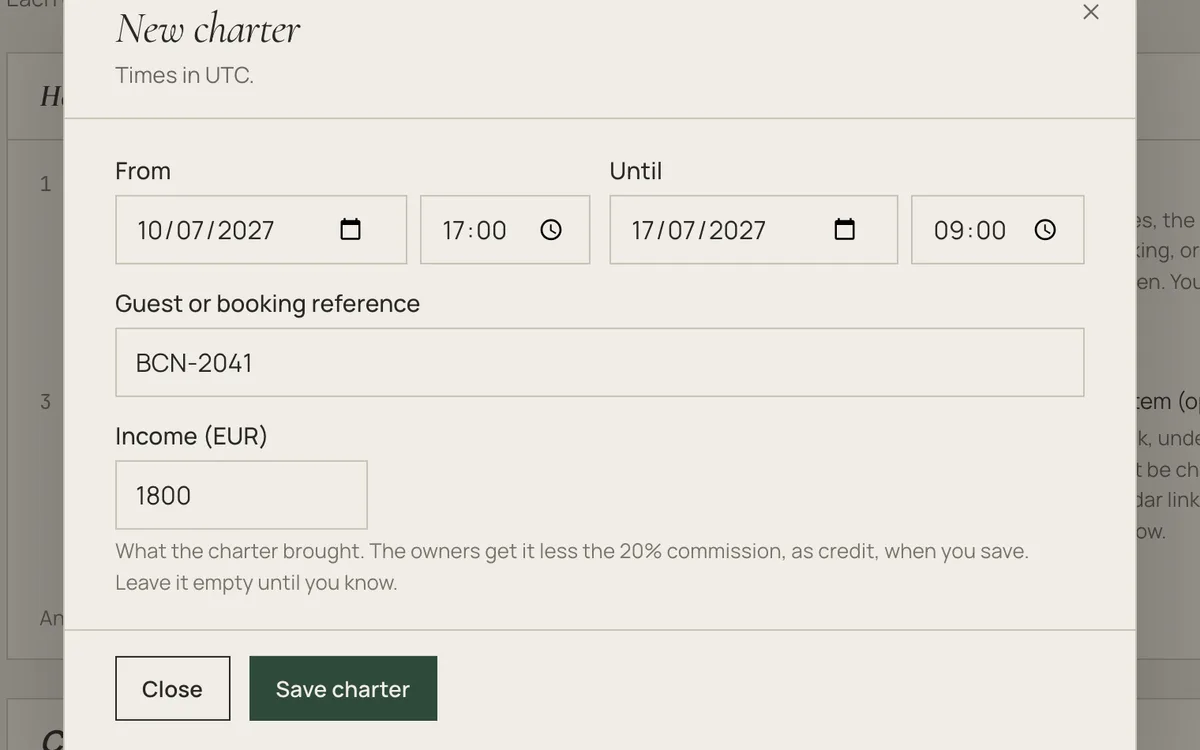
Step 6Enter the dates, the guest and what the charter brought.
Step 7Press “Save charter”.
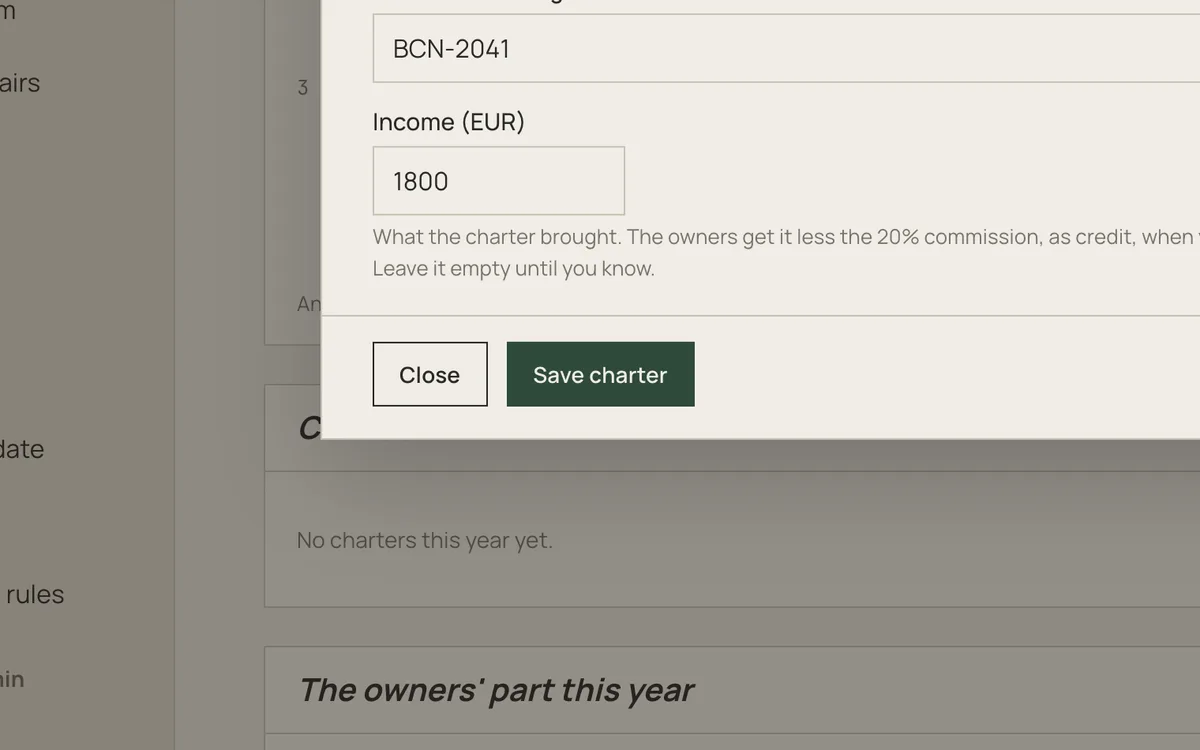

Done! Each owner gets their part as credit on their balance.
A co-owned boat can be chartered to guests when the owners aren't using it, usually by the operator who runs it. Each charter's income, less the operator's commission, is added to the owners' credit by their shares, so charter lowers what they pay for the boat. It works the same for aircraft, cars and homes.
Turning charter on
- Open the boat's group and go to Charter in the sidebar, or to the Charter card in the group's Settings. Only the group's admins can turn it on
- Click Turn on charter
- In Charter settings, choose when the boat can be chartered and the operator's commission, then click Save charter settings
Once charter is on, the group's members see Charter in the sidebar too. Admins can hide it from them in Settings, like any section.
When the boat can be chartered
Two settings decide it, and you can use either or both:
- Charter months are kept for charter every year. The owners can't book them, and charters can be added in them at any time
- Owner days open to charter (14 days ahead by default): outside the charter months, an owner day that nobody has booked can be chartered this many days before it. Leave it empty and owner time is never chartered
With no charter months, you charter only the gaps the owners leave close to the date. With 14 days, a free week a month away can't be chartered yet, and Kai tells you the day it opens. With no charter months and the field empty, nothing can be chartered, and the Charter page says so.
Adding a charter
- On the Charter page, click Add charter
- Enter when it starts and ends, in the group's time zone. The end is a week later unless you change it
- Add the guest or booking reference and the income. You can leave the income for later
- Click Save charter
Dates that clash with another booking, or that fall on owner days not open yet, are refused. Charters show in the calendar as Charter, and they are changed or cancelled only on the Charter page.
The owners' part
- The income less the commission is shared by ownership, to the cent, and added to each owner's credit. In Group money, admins see it under the owner's name as Paid in advance, and it is used against what the owner owes when They have paid is recorded
- The part of the boat nobody owns yet stays with the operator
- Changing the income adds or takes back the difference, and cancelling a charter takes it all back. A charter keeps the commission it was recorded with, and an owner who joins or leaves later doesn't change a past charter
- Kai has no button to pay the credit out in cash (I have paid them back covers expenses and reimbursements only): it is used against what the owner owes next, and when an owner leaves the group it is part of the exit settlement
Connecting a charter system
If your charter system gives and reads calendar links (iCal), connect it both ways in Charter settings:
- This group's calendar for your charter system: add this link to your charter system. It shows when the boat can't be chartered (the owners' bookings, maintenance, charters added in Kai and owner time not open yet), without names. Anyone with the link sees those dates, so use New link if it gets out
- Your charter system's calendar link: paste it here and its bookings come in as charters every hour, or at once with Read now. A booking it moves moves in Kai too, and one it removes before it starts is cancelled, with the owners' credit taken back. Bookings that clash with the owners' bookings or time aren't brought in, and the page shows how many
What the owners see
- Their own part of each charter and their total for the year, on the Charter page. Guests' names are shown only to admins
- Charter months can't be booked, and Kai says why when someone tries
- The calendar links are shown only to admins
Operators: new groups from the waiting list
An operator office sets its charter defaults once, in the office's Settings: charter on or off, the charter months, the days ahead and the commission. Every group formed from its waiting list starts with them, and no owner is given a charter month as a priority month.
Good to know
- Charter is managed in the web app. The mobile apps show a charter as a booking and can't change it
- Charters send no booking reminders or usage-log prompts
- A cancelled charter frees its days for the waitlist
- Demo groups can't charter